NGRAVE ZERO vs Trezor Safe 7
In short: NGRAVE ZERO is built for long-term holders who want a wallet that never connects to anything. It signs only by QR code, uses your fingerprint as one of the inputs that create your key, and backs it up on steel. Trezor Safe 7 is built for open-source fans who sign often: it connects over USB-C or Bluetooth, has fully open-source firmware and a second, auditable security chip, and supports more coins for less. Disclosure: NGRAVE makes ZERO.
The core difference
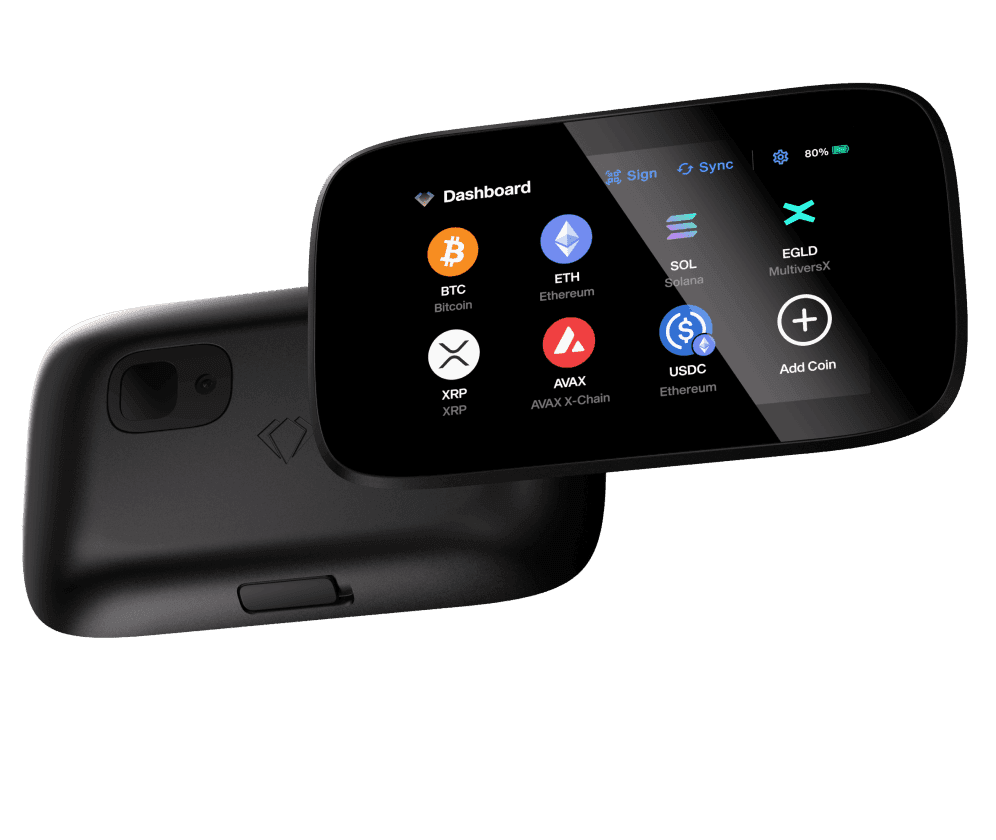
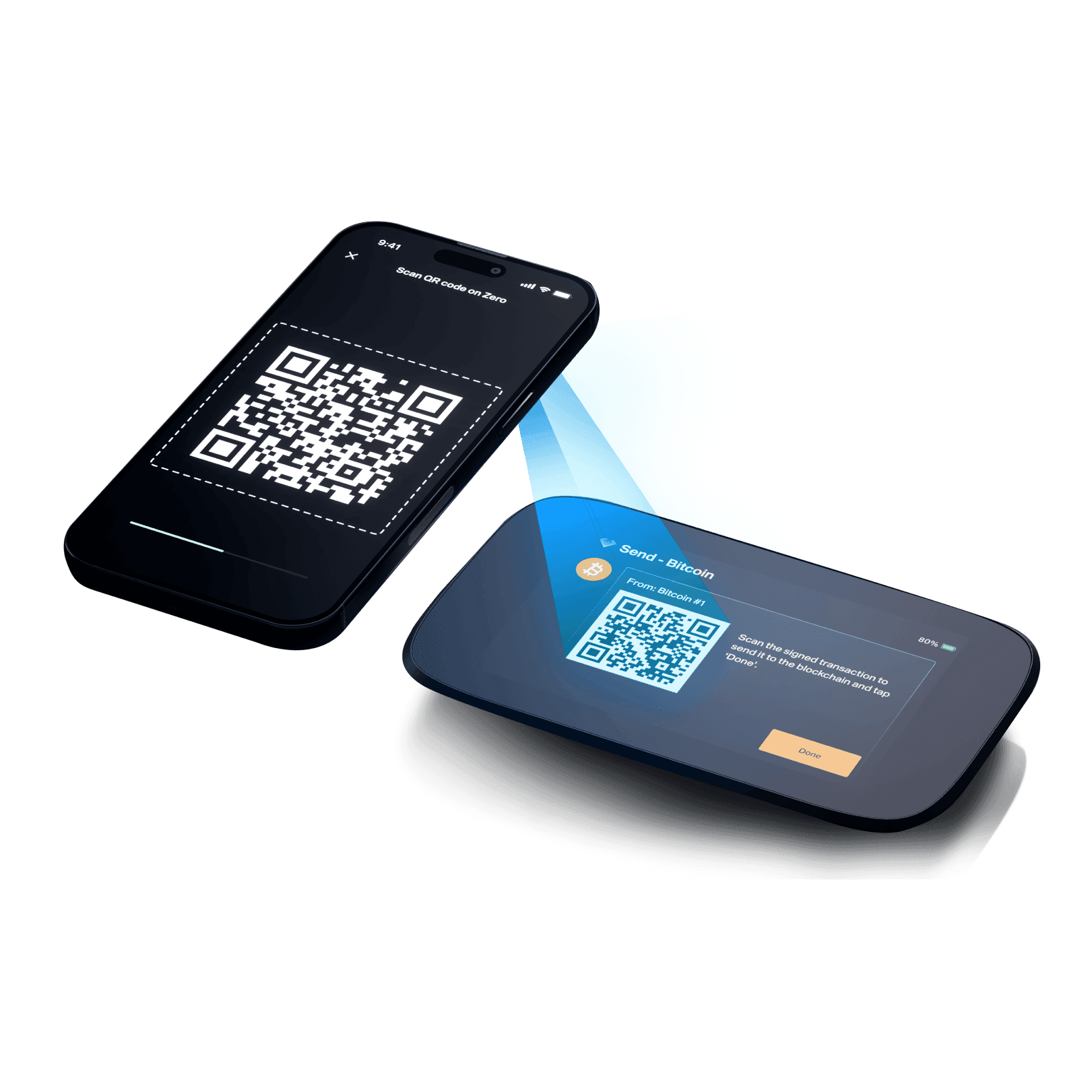
ZERO never connects to a phone or computer to sign. Transactions pass back and forth as QR codes, so nothing online can reach the keys. Trezor Safe 7 connects over USB-C or Bluetooth when you sign, with the connection encrypted, which is quicker for frequent use with Trezor Suite on desktop or phone. Bluetooth can be turned off, but the Safe 7 still signs over a cable.
Where ZERO is stronger
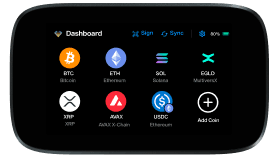
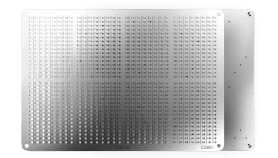
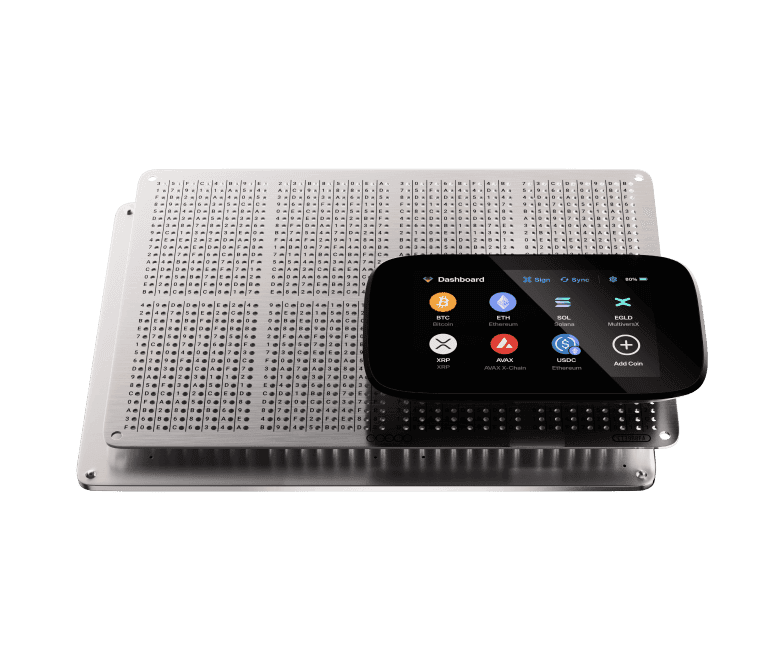
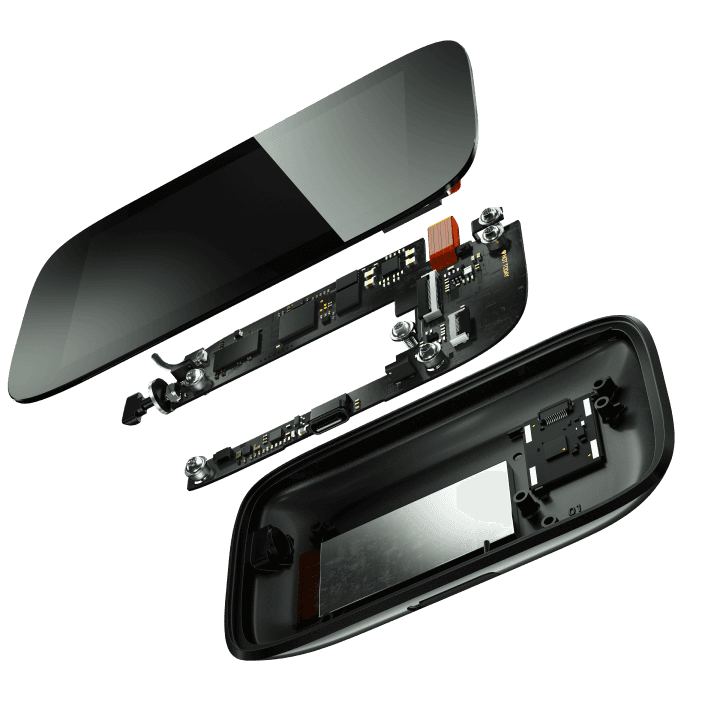
Isolation, and control over your key from start to finish. Your fingerprint is one of the inputs used to create the key, and together with an 8-digit PIN it unlocks the device and confirms each signature. The 4-inch colour screen shows each transaction in full. The GRAPHENE steel backup splits your key across two plates, and if you lose the upper plate NGRAVE can recreate it without ever knowing your key. There have been no compromises or hacks of the ZERO since launch in 2021.
Where Trezor Safe 7 is stronger
Openness, price and breadth. Trezor’s firmware is fully open source, and the Safe 7 pairs TROPIC01, a security chip whose design anyone can audit, with a second, EAL6+ certified chip. It costs $249, supports thousands of coins and 30+ wallet apps, offers multi-share backup, and has an aluminium body, wireless charging and a Bitcoin-only edition. Trezor’s Safe 5 offers open-source firmware for $129.
Side by side
Specifications as published by each maker, checked November 23, 2026: ngrave.io, coin support, trezor.io and Trezor’s hardware specifications.
Which one should you buy?
Pick by how you use your crypto, not by the spec sheet.
Choose ZERO if you hold for years
Long-term holdings gain most from keys that never touch a connected device.
Choose ZERO if the amount matters
The extra cost is small next to the value of what you are protecting.
Choose ZERO if you want a metal backup
GRAPHENE survives fire and water, and one plate alone is useless to a finder.
Choose Safe 7 if you transact often
Bluetooth signing with Trezor Suite is quicker for frequent use.
Choose Safe 7 if open source matters most
You can read and verify every line of its firmware.
Choose Safe 7 if budget comes first
At $249 it costs less, and the Safe 5 is $129.
For what you cannot afford to lose.
ZERO vs Trezor Safe 7: common questions
Is NGRAVE ZERO better than Trezor Safe 7?
For long-term storage of a large amount, ZERO’s air gap is the stronger protection: it never connects to sign. If you want open-source firmware, frequent transactions, more coins or a smaller budget, Trezor Safe 7 is the more practical choice.
Is NGRAVE ZERO air-gapped and Trezor Safe 7 not?
Yes. ZERO signs only by QR code and has no Bluetooth, Wi-Fi or NFC. Trezor Safe 7 signs over USB-C or Bluetooth. Read more about air-gapped hardware wallets.
Which is cheaper?
Trezor Safe 7 costs $249, and the Trezor Safe 5 costs $129. NGRAVE ZERO costs $398, or $498 with the GRAPHENE steel backup.
Has NGRAVE ZERO ever been hacked?
No. There have been no compromises or hacks of the ZERO since launch in 2021.
Is Trezor open source? Is ZERO?
Trezor’s firmware is fully open source, and the Safe 7’s TROPIC01 chip has an open design anyone can audit. NGRAVE ZERO’s firmware is not open source yet: NGRAVE plans to open it gradually, but the secure element and the secure operating system will stay closed.
Does NGRAVE keep a copy of my key?
No. NGRAVE never sees or stores your key. If you lose your GRAPHENE upper plate, NGRAVE can recreate it, but it never knows what is on your lower plate, so it cannot rebuild your key.
Can I move from Trezor to NGRAVE ZERO?
Yes. The safest way is to create a new key on ZERO, then send your funds to it from your Trezor accounts, starting with a small test amount.
Do they work with MetaMask and Rabby?
Both do. ZERO connects to MetaMask and Rabby by QR code. Trezor Safe 7 works with both too, and Trezor lists 30+ compatible wallet apps.
How do they compare with other wallets?
See how NGRAVE ZERO compares with Ledger Flex, Keystone 3 Pro, COLDCARD Q, Tangem and BitBox02 Nova. Or read our comparison of seven hardware wallets, how ZERO creates your key, and who ZERO is and is not for.