How NGRAVE ZERO creates your key
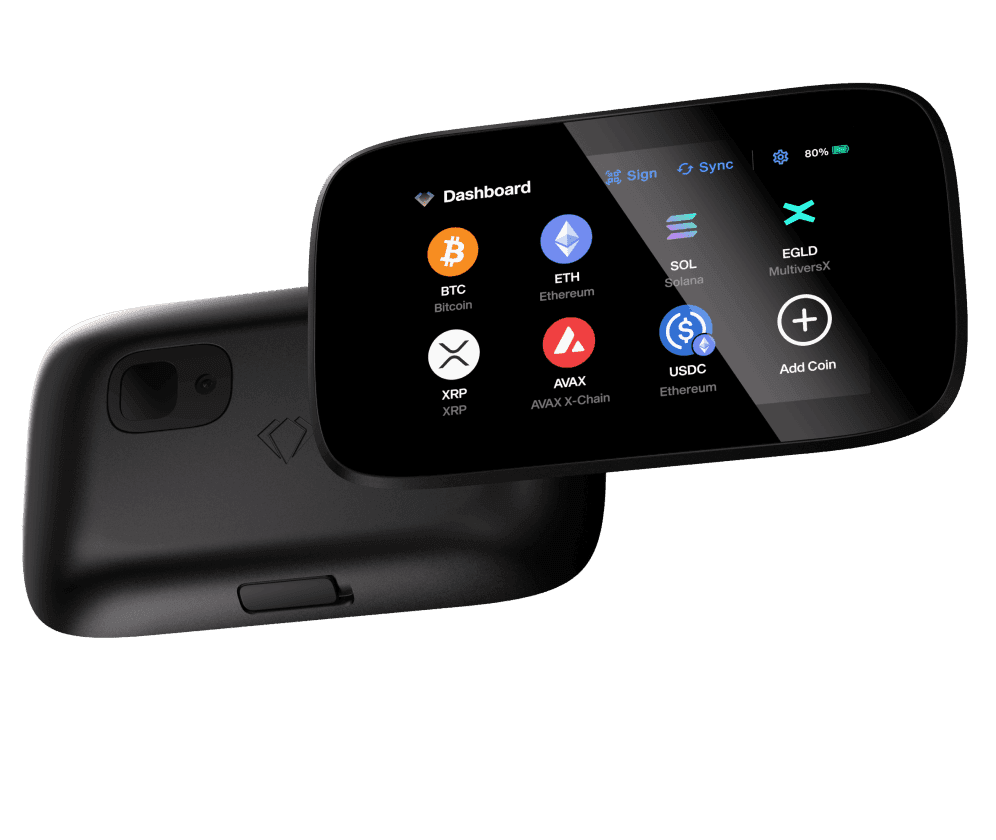
In short: NGRAVE ZERO creates your private key offline, on the device, after it has left the factory. It combines random bits from a true random number generator chip with ambient light captured by its camera and random bits from your fingerprint, then lets you freeze and shuffle the result. NGRAVE calls the outcome the Perfect Key: a 256-bit key shown as 64 hexadecimal characters, which you can also view as a standard 24-word phrase.
Why key creation matters
Your private key is your crypto. Whoever has it controls the funds, and it is only as strong as the randomness used to make it. A key that is predictable, or that was created before the device reached you, is a risk no matter how well it is stored afterwards.
What makes the Perfect Key different
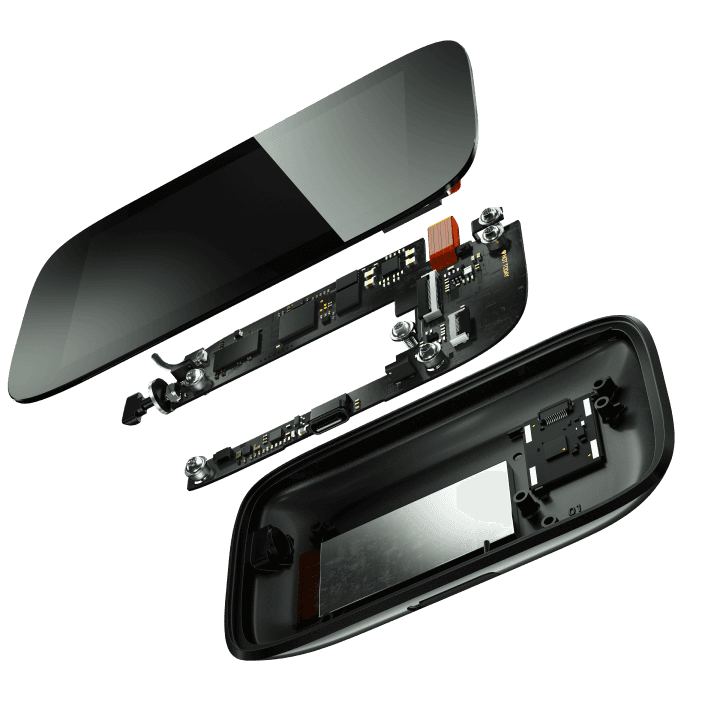
Most hardware wallets rely on the random number generator inside the device; some let you add dice rolls. NGRAVE ZERO adds three inputs of its own: ambient light captured by its camera, random bits derived from your fingerprint, and your interaction while the key forms. Because you shuffle parts of the key yourself, NGRAVE cannot know its final value.
What happens to your fingerprint
Your fingerprint data is stored only on the device, encrypted, and never leaves it. The same 12 × 12 mm sensor, which can register up to five fingerprints, unlocks the device and approves each signature together with an 8-digit PIN. A fingerprint alone is never enough: the PIN is always required.
Standard seed phrase vs NGRAVE Perfect Key
As described by NGRAVE on the NGRAVE ZERO page and in NGRAVE Support.
Creating your Perfect Key, step by step
What you do on NGRAVE ZERO the first time you set it up.
1. Register your fingerprint
Add up to five fingerprints and set an 8-digit PIN.
2. Choose NGRAVE wallet
Pick the Perfect Key, or a standard mnemonic phrase if you prefer.
3. Watch it form
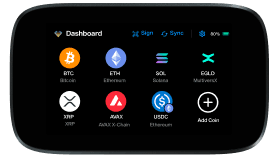
ZERO combines its random number chip, ambient light from its camera and your fingerprint, and shows the key changing in real time.
4. Freeze and shuffle
Freeze the key, then shuffle parts of it, so no one can predict the result.
5. Back it up
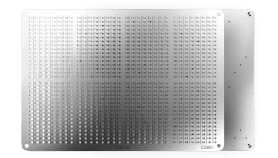
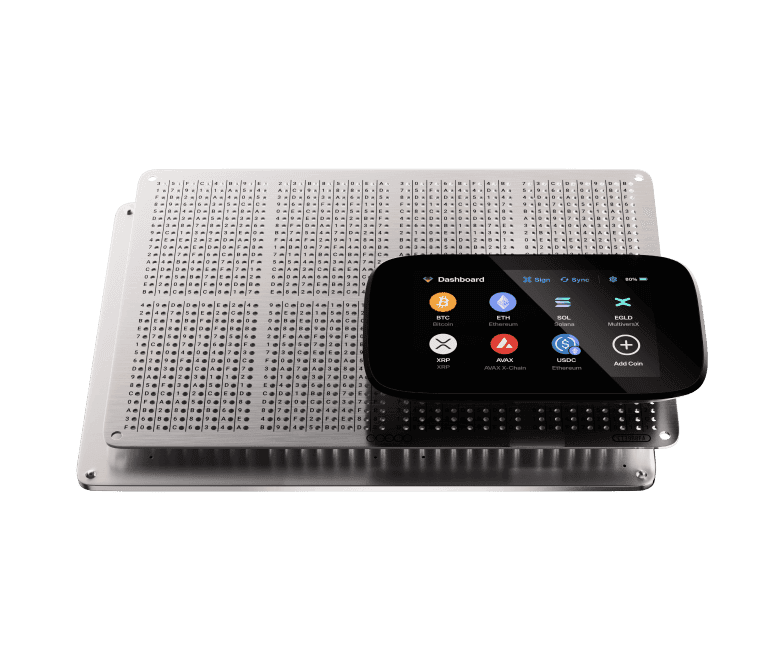
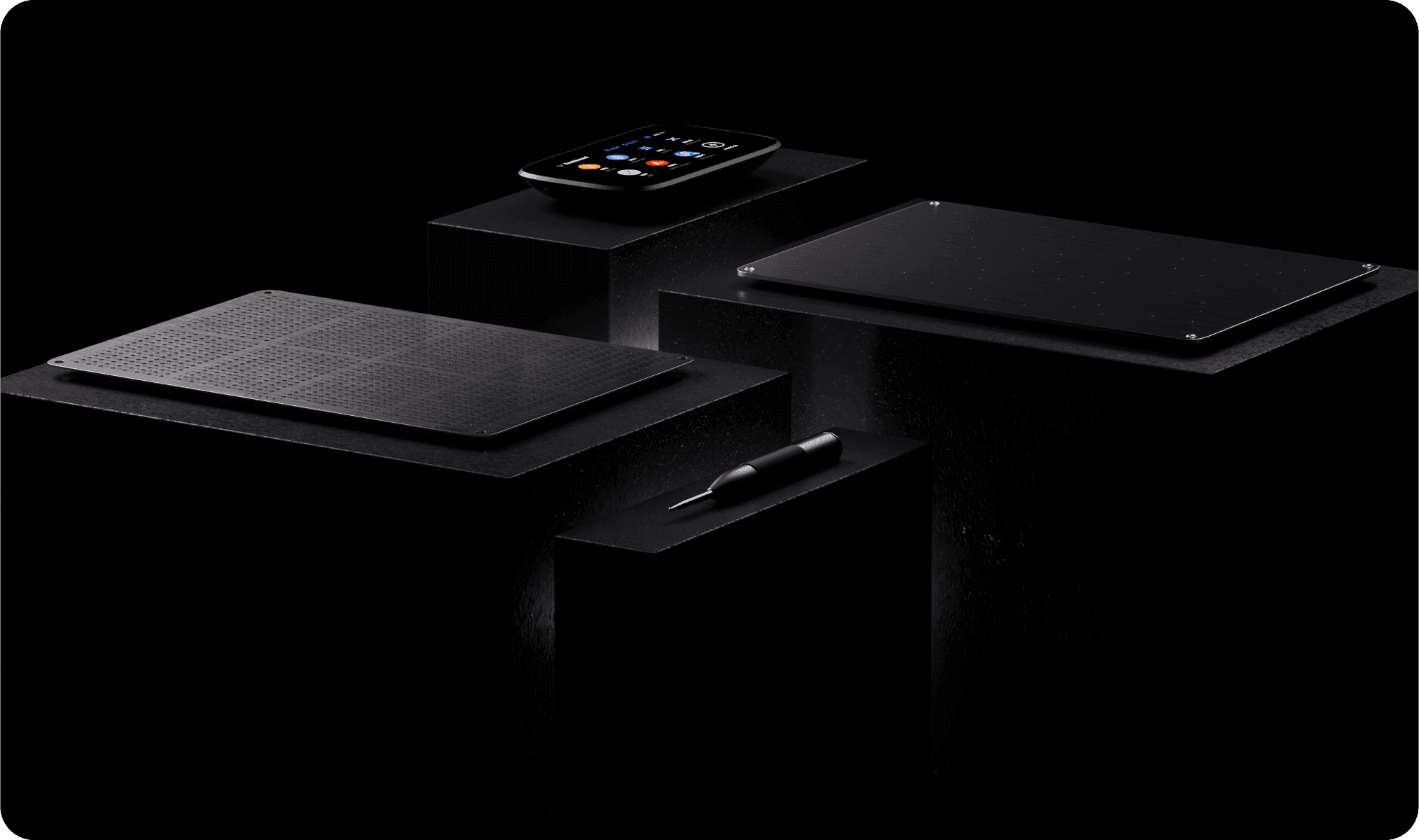
Punch the 64 characters into GRAPHENE steel, or write down the 24 words.
6. Verify and use
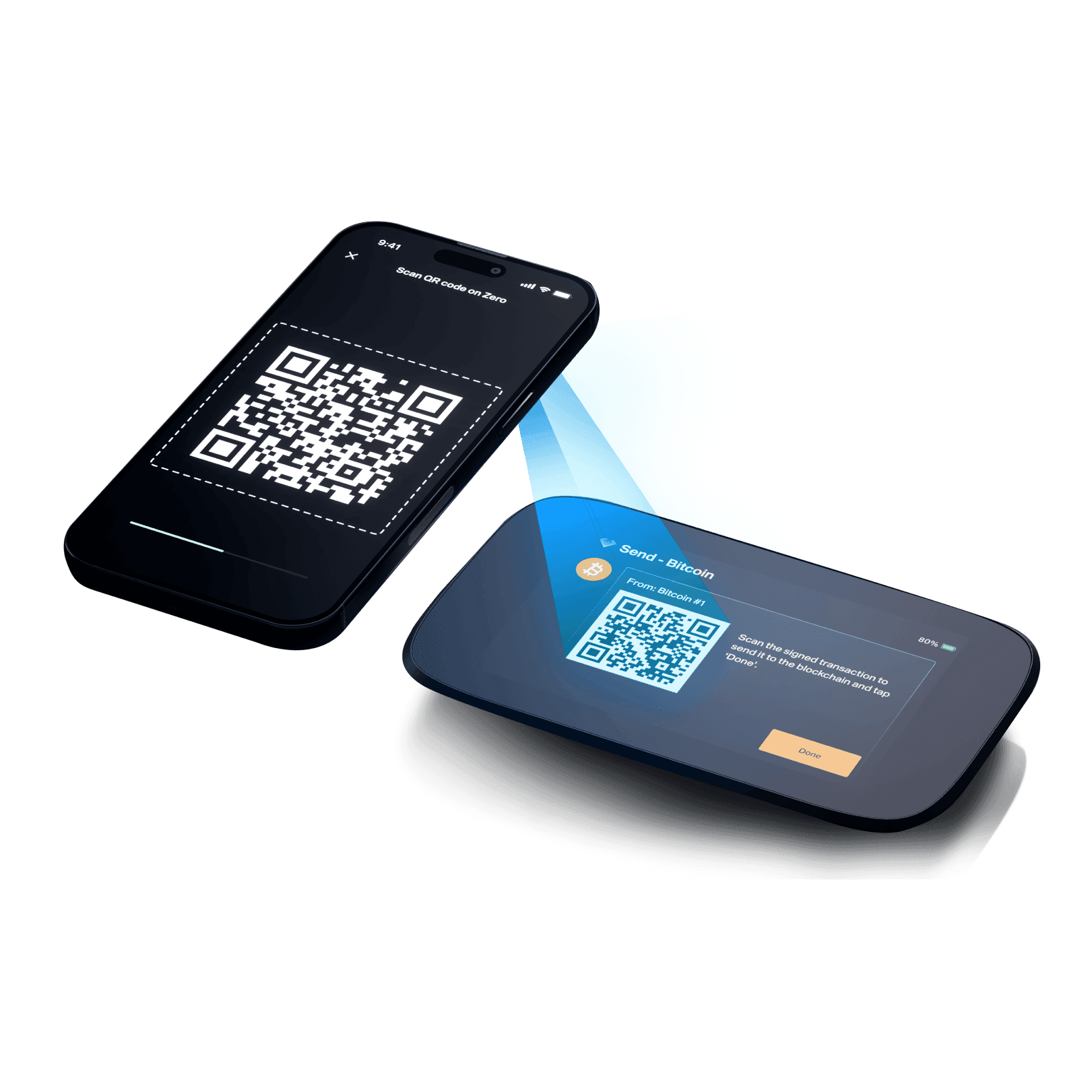
Check your backup against the key on screen, then sign transactions by QR code.
Air-gapped by design.
Perfect Key: common questions
What is the NGRAVE Perfect Key?
The private key NGRAVE ZERO creates for you, from a true random number generator chip combined with ambient light captured by its camera, your fingerprint and your own shuffling. It is a 256-bit key shown as 64 hexadecimal characters, and it is equivalent to a standard 24-word seed phrase.
Is the Perfect Key the same as a seed phrase?
It holds the same 256-bit key in a different format. You can convert the 64 hexadecimal characters into 24 words and back, and see both versions on ZERO under Settings, then Display secret key.
Can I use my Perfect Key in another wallet?
Yes. Convert it to its 24-word version and import it into any compatible wallet. Never enter your key on a computer or website to convert it.
Does NGRAVE know my key?
No. The key is created offline on your device, and because you shuffle parts of it during creation, NGRAVE cannot know its final value.
Does my fingerprint leave the device?
No. Fingerprint data is stored only on NGRAVE ZERO, encrypted, and is never transmitted.
What if my finger is injured or my fingerprint changes?
Your fingerprint helps create the key, but you do not need it to recover your funds. Your backup, on GRAPHENE or as 24 words, restores your wallet on a new device.
Can I still use a normal 24-word phrase?
Yes. During setup you can choose a standard mnemonic seed phrase instead of the Perfect Key.
How do I back up the Perfect Key?
Punch it into GRAPHENE, NGRAVE’s backup of two stainless steel plates. The plates work together, so one plate alone gives a finder no information about your key. See also what an air-gapped wallet is.