What is a cold wallet? A guide to self-custody
In short: a cold wallet keeps the private keys to your crypto offline, so attackers on the internet can’t reach them. Self-custody means you hold those keys yourself instead of trusting an exchange. NGRAVE holds that a cold wallet can only be an air-gapped wallet: if it has to connect to sign, it isn’t truly cold. With a good backup, it’s the most reliable way to own crypto yourself.
What is self-custody?
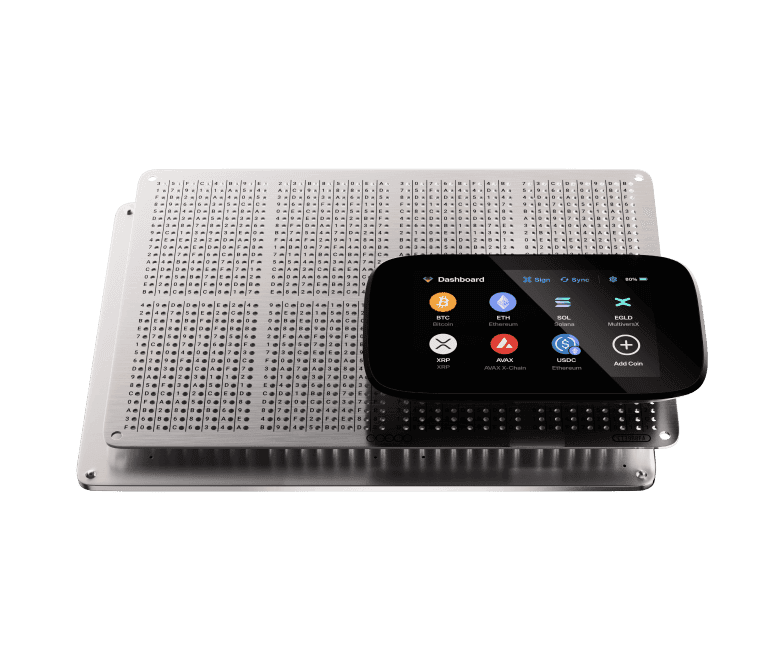
Whoever holds the private keys controls the crypto. When you buy on an exchange, the exchange holds the keys and you hold a promise. That works until the exchange is hacked, freezes withdrawals or goes bankrupt, as Mt. Gox did in 2014 and FTX did in 2022.
Self-custody means you hold the keys yourself. Nobody can move, freeze or lend out your funds without you, and you’re responsible for keeping the keys and their backup safe.
What is a cold wallet?
A cold wallet stores your private keys on a device that isn’t connected to the internet. A hot wallet is an app on your phone or computer, which is always online and exposed to the same malware and phishing as everything else on it.
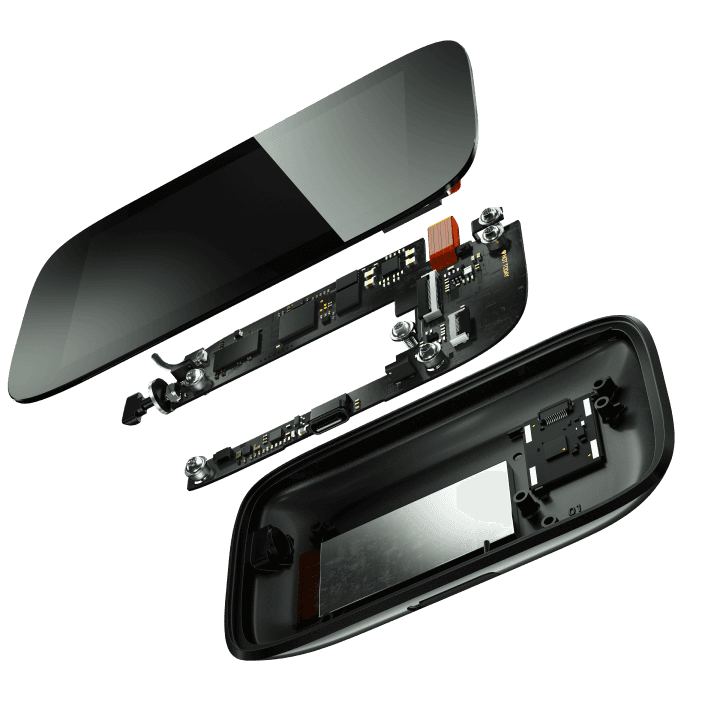
Hardware wallets are what most people mean by a cold wallet: a small device that creates the keys, keeps them inside and signs transactions so the keys never leave it. But only a hardware wallet that never connects to sign is truly cold.
Why only air-gapped wallets are truly cold
Most hardware wallets still plug into a computer by USB or pair with a phone over Bluetooth or NFC to sign. That connection is small, but it’s a path in.
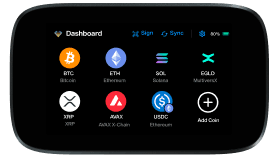
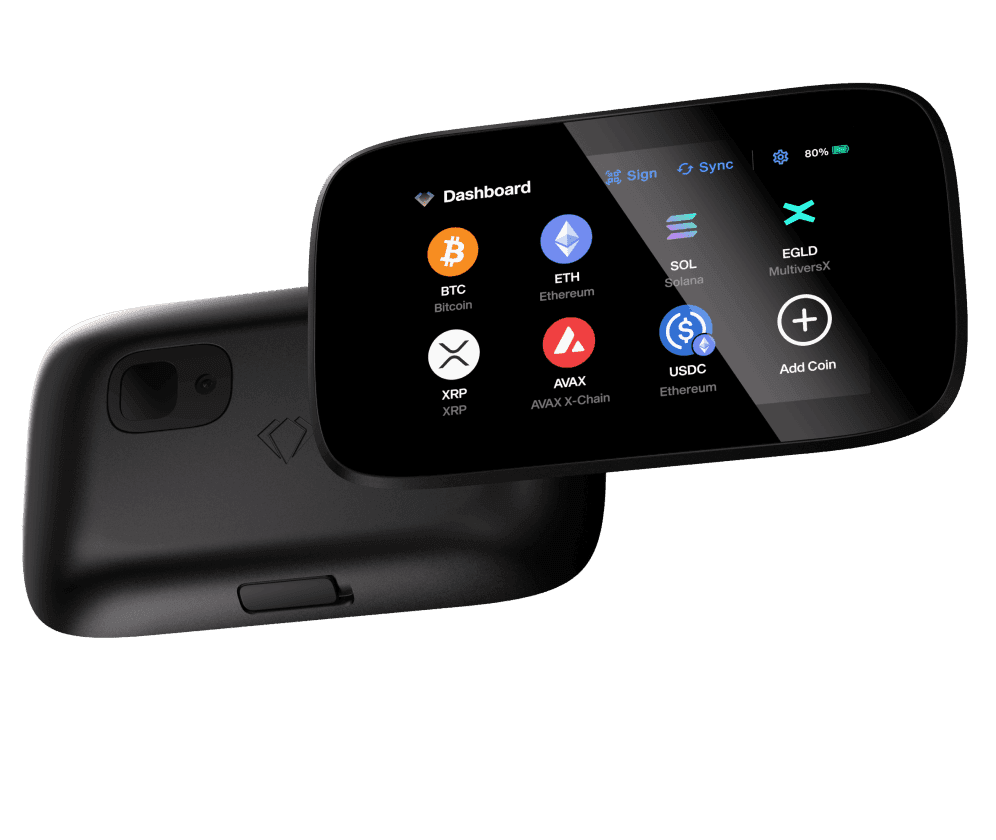
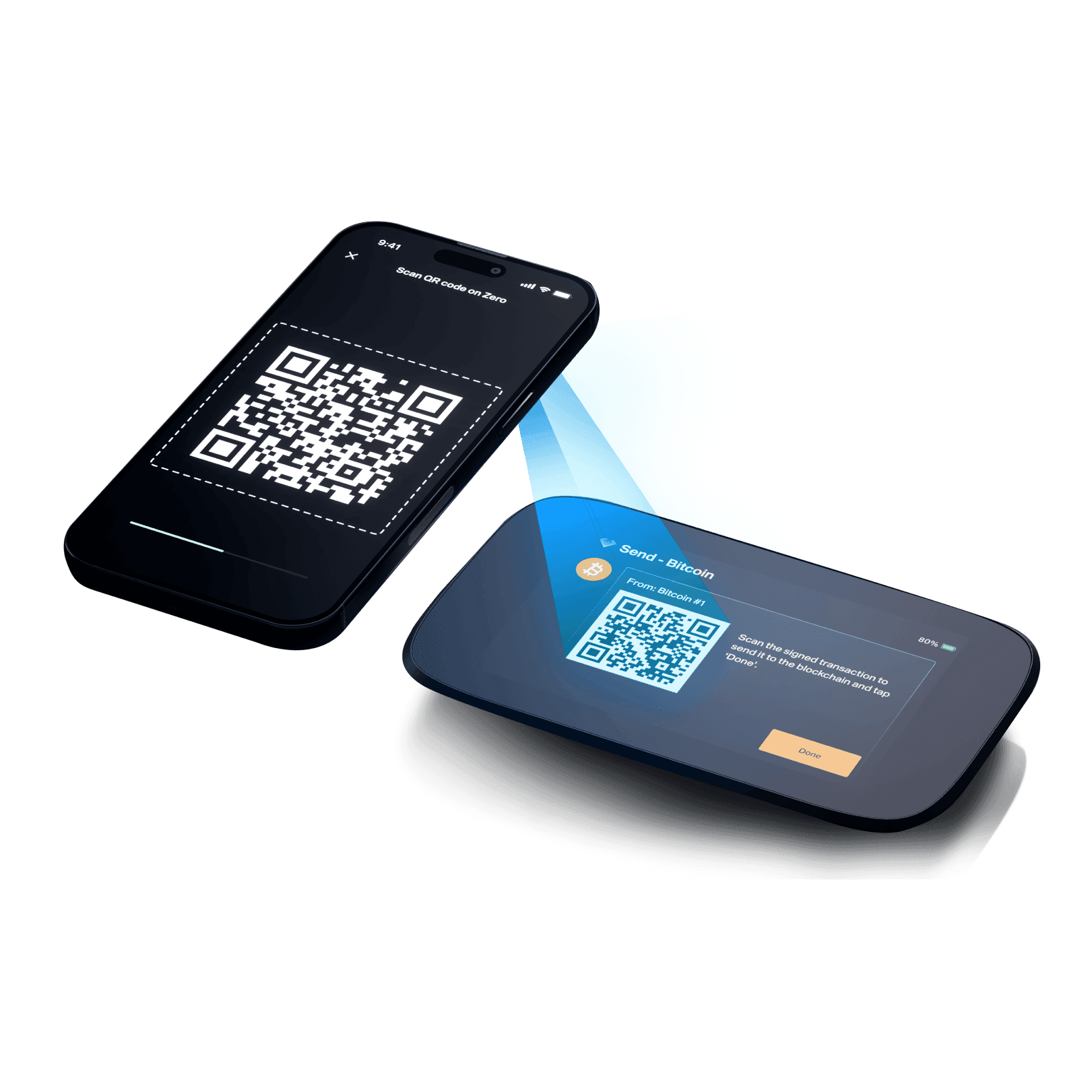
An air-gapped wallet never connects at all. It exchanges data through QR codes or a memory card, so there’s no cable or radio for an attacker to use. NGRAVE ZERO is fully air-gapped, signs by QR code and runs the only EAL7-certified operating system on a hardware wallet.
That’s why we hold that a cold wallet can only be an air-gapped wallet: if it has to connect to sign, it isn’t truly cold.
Cold wallet, hot wallet or exchange?
Four ways to hold crypto, and who carries the risk in each.
How to start self-custody
Six steps from an exchange account to keys only you control.
01
Get a cold wallet. Buy it from the manufacturer or an official reseller, never second-hand, so nobody had a chance to tamper with it.
02
Set it up yourself. Let the device create your keys and recovery phrase. If a wallet arrives with a phrase already filled in, don’t use it.
03
Back up your keys offline. Write the recovery phrase down, or engrave it on steel. Never type it into a phone or computer, or take a photo of it.
04
Send a small test first. Move a small amount, check it arrives, and confirm the receiving address on the wallet’s own screen.
05
Move the rest off the exchange. Once the test works, withdraw your holdings to your own wallet.
06
Keep the backup apart. Store it somewhere other than the wallet, protected from fire and water, and decide who could recover it if something happens to you.
Mistakes to avoid
Most losses in self-custody come from the backup, not from the wallet being hacked.
Storing the phrase online
A photo, a cloud note or a password manager puts your keys back on the internet.
Sharing it with “support”
No real wallet maker will ever ask for your recovery phrase, whether by email, message, phone call, website or app notification. Anyone who does is trying to steal it.
Buying from unofficial sellers
A tampered or pre-configured device can hand your keys to someone else.
Keeping a single backup
One sheet of paper in one drawer can burn, flood or get thrown away.
Not checking the address
Malware can swap the address on your screen. Always confirm it on the wallet itself.
Leaving it all on an exchange
Keep only what you’re trading there. Everything else belongs in your own wallet.
Not your keys, not your coins.
Keep reading
Best hardware wallets in 2026
Seven hardware wallets compared on air-gap, certification, backup and price.
A cold wallet can only be an air-gapped wallet
Why a wallet that connects to sign isn’t truly cold.
Moving funds from a hot to a cold wallet
A step-by-step guide to your first transfer.
Learning from Satoshi’s take on self-custody
What Bitcoin’s creator teaches about self-custody, and why many owners still skip it.
Cold wallet
FAQ
What is a cold wallet?
A cold wallet stores the private keys to your crypto offline, on a device that isn’t connected to the internet. Hardware wallets are the most common type, but in NGRAVE’s view only an air-gapped hardware wallet, which never connects to a computer or phone to sign, is truly cold.
Is a hardware wallet a cold wallet?
A hardware wallet is usually called a cold wallet because its keys stay inside the device, but in NGRAVE’s view only a fully air-gapped hardware wallet is truly cold. Most hardware wallets still connect to a computer or phone by USB, Bluetooth or NFC to sign transactions, and that connection is a way in. An air-gapped wallet such as NGRAVE ZERO signs through QR codes instead.
Is NGRAVE ZERO a cold wallet?
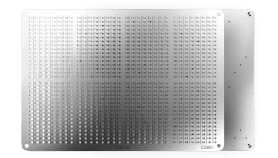
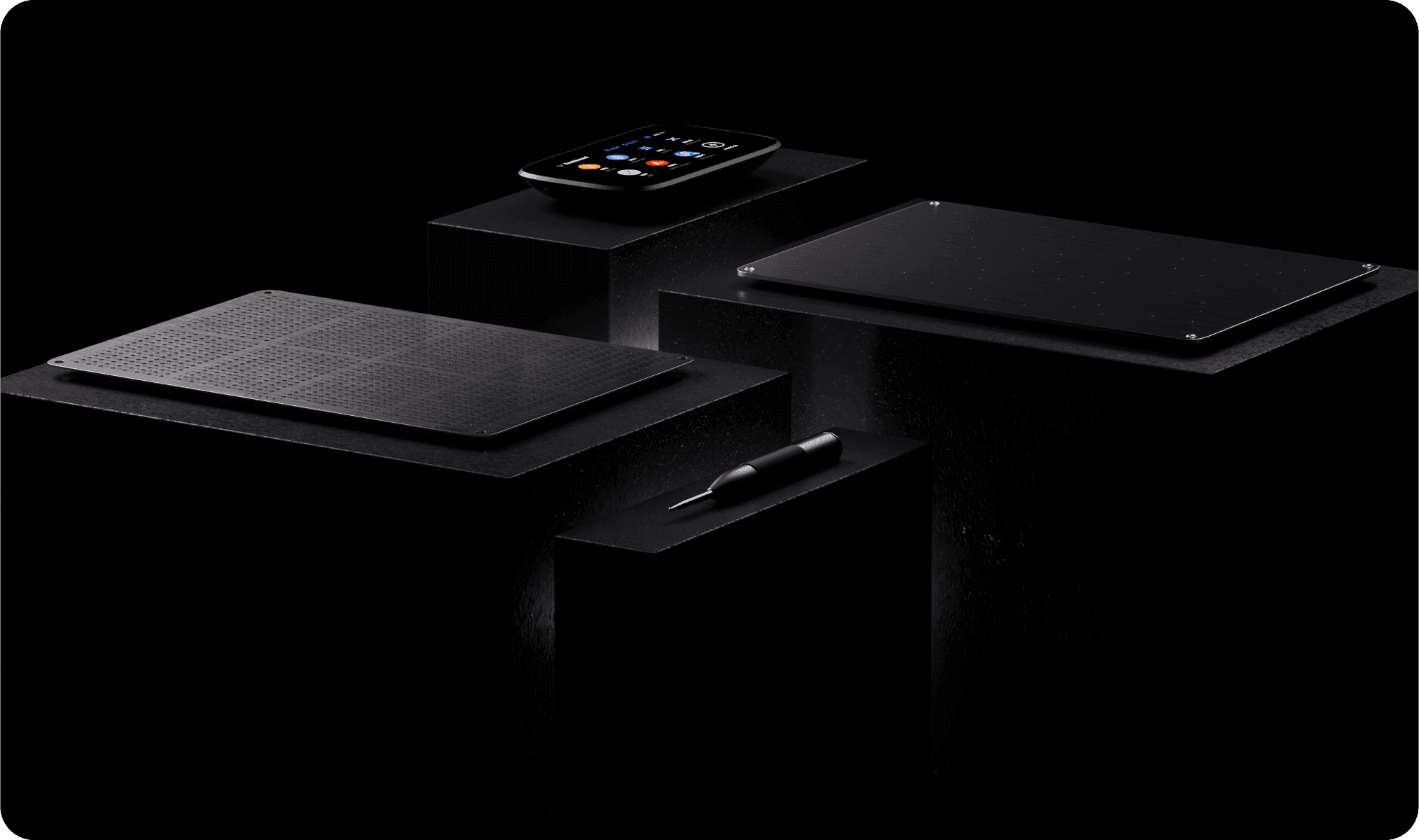
Yes. NGRAVE ZERO is a fully air-gapped cold wallet: it has no Bluetooth, NFC or Wi-Fi, uses USB-C only for charging and firmware updates, and signs by scanning QR codes. You can back up its keys on GRAPHENE steel plates or as 24 words.
What does self-custody mean?
Self-custody means you hold the private keys to your crypto yourself, instead of an exchange or bank holding them for you. Nobody can move or freeze your funds without you.
What’s the difference between a hot and a cold wallet?
A hot wallet is software on an internet-connected phone or computer, so it’s convenient but exposed to malware and phishing. A cold wallet keeps the keys offline, which makes it far harder to attack remotely.
Is a cold wallet safer than an exchange?
For long-term holdings, yes. On an exchange, the exchange holds your keys, so a hack, frozen withdrawals or bankruptcy can cost you access, as Mt. Gox showed in 2014 and FTX in 2022. With a cold wallet you hold the keys yourself, and your funds are unaffected if the wallet company fails. The main risk becomes your backup, so keep it offline.
What is the best cold wallet?
The best cold wallet is a fully air-gapped hardware wallet, such as NGRAVE ZERO, Keystone 3 Pro or COLDCARD Q, because it never has to connect to a computer or phone to sign. NGRAVE ZERO adds an EAL7-certified operating system and GRAPHENE steel backup, Keystone 3 Pro ($149) is the most affordable of the three, and COLDCARD Q is for Bitcoin only. Our comparison of seven hardware wallets sets out security, backup and price side by side.
How do I move crypto from an exchange to a cold wallet?
Set up the wallet yourself and back up the recovery phrase offline. Then send a small test amount from the exchange to an address you’ve confirmed on the wallet’s own screen, check that it arrives, and withdraw the rest.
Can a cold wallet be hacked?
A cold wallet is very hard to hack remotely because its keys never go online. Most losses come from people: typing the recovery phrase into a fake website, storing it in the cloud, or buying a tampered device. Buy from the manufacturer or an official reseller, and keep your phrase offline.
What happens if I lose my cold wallet?
Your crypto isn’t on the device, it’s on the blockchain. You restore access on a new wallet with your recovery phrase or, for NGRAVE ZERO, your GRAPHENE steel plates. Without a backup, the funds can’t be recovered.
Do I need a cold wallet for small amounts?
A cold wallet is worth it for small amounts if losing them would hurt. Many people keep a little in a hot wallet for spending and the rest in a cold wallet.